
Confirming or Cancelling Bookings in SignUpJester
Want to update your attendance? SignUpJester lets you confirm or cancel your booking directly from your email. It’s fast, simple, and keeps event organizers in the loop.
👣 Step‑by‑Step Guide
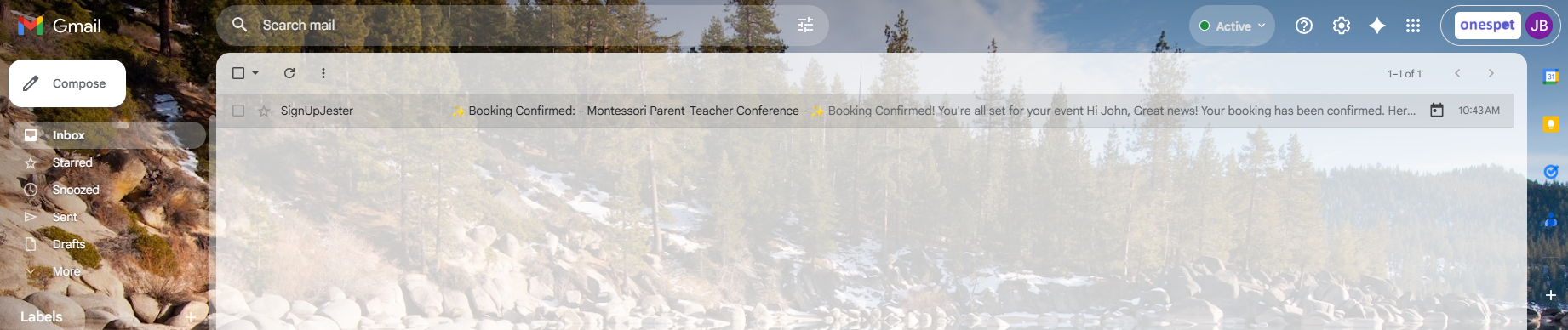
📧 Step 1: Open Your Email
- Go to the inbox of the email you used when booking.
- Look for your SignUpJester booking confirmation email.
🔄 Step 2: Confirm or Cancel
Scroll to the bottom of the confirmation email to manage your booking:
✅ Confirm Attendance
- Click Confirm Attendance.
- A message will appear: “Attendance Confirmed.”
- This notifies the event organizer that you’ll be attending.


❌ Cancel Booking
- Click Cancel.
- A message will appear: “Booking Cancelled.”
- This notifies the event organizer that you won’t be attending.


💡 Good to Know
- Confirming your attendance lets organizers know you’ll be there, helping them plan smoothly.
- Cancelling your booking instantly reopens the slot to other participants.