
How to View or Hide Participant Names in SignUpJester
Want to see who signed up for your event? SignUpJester makes it easy for admins to check participant lists directly from the dashboard or even from the booking link. No more guessing who’s coming; everything is organized and just a click away!
💻Admin Dashboard
Step 1: Log in to SignUpJester
- Go to signupjester.com.
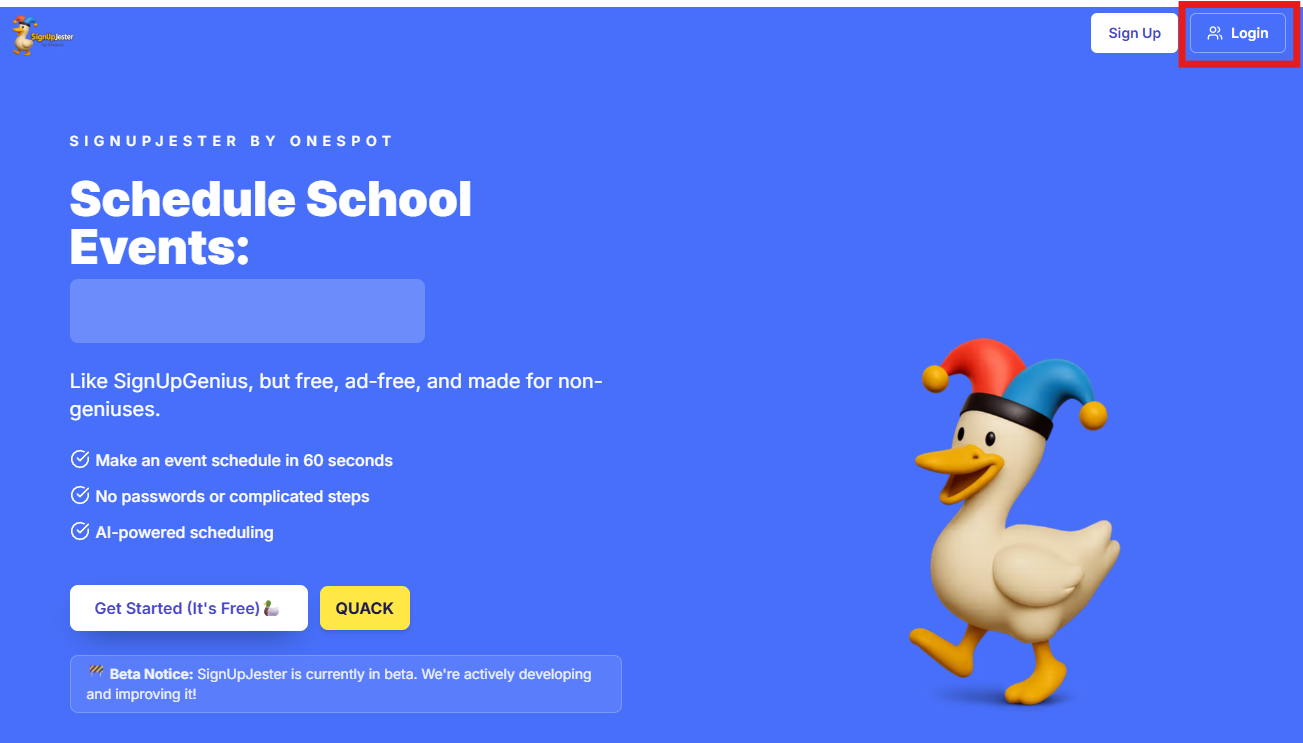
- Click Log In at the top right.
- Sign in using your magic code or password.
🎟️ Step 2: Go to Events & Gatherings
- Find the event name you want to view.
- Click to open the event.
- The event details will appear.
- Under Participants, you’ll see the names of those who booked.
📝 Note: If the event has multiple dates, clicking the event will show all available dates. Select any date to view its participant list.

👀 Participant Name Visibility
Step 3: Choose Visible or Hidden
- In Event Summary, find Sign Up Form Participant Names.
- Select Visible to let visitors view participant names on the booking form.
- Select Hidden to keep participant names off the public booking form.

Events with Multiple Dates or Times
- Use the visibility switch in the Select Event Date window to set visibility for all events.

- Open a specific date and time, then use the switch in Event Summary to change only that selection.
🔗 Booking Link
- Visible: Booked time slots show View participants. Select it to see the participant names.


-
Hidden: Booked time slots remain visible, but View participants and participant names do not appear.

💡 Good to Know
- Participant names are Visible by default.
- Hidden removes participant names from the public booking form. Admins can still see names in the dashboard.
- Changing name visibility does not remove bookings or hide availability.