
Duplicating Published Events in SignUpJester
Need to run a similar event without starting from scratch? With SignUpJester, you can duplicate a published event in just a few clicks. Review the copied details, make any changes you need, and you’re ready to publish.
👣 Step‑by‑Step Guide
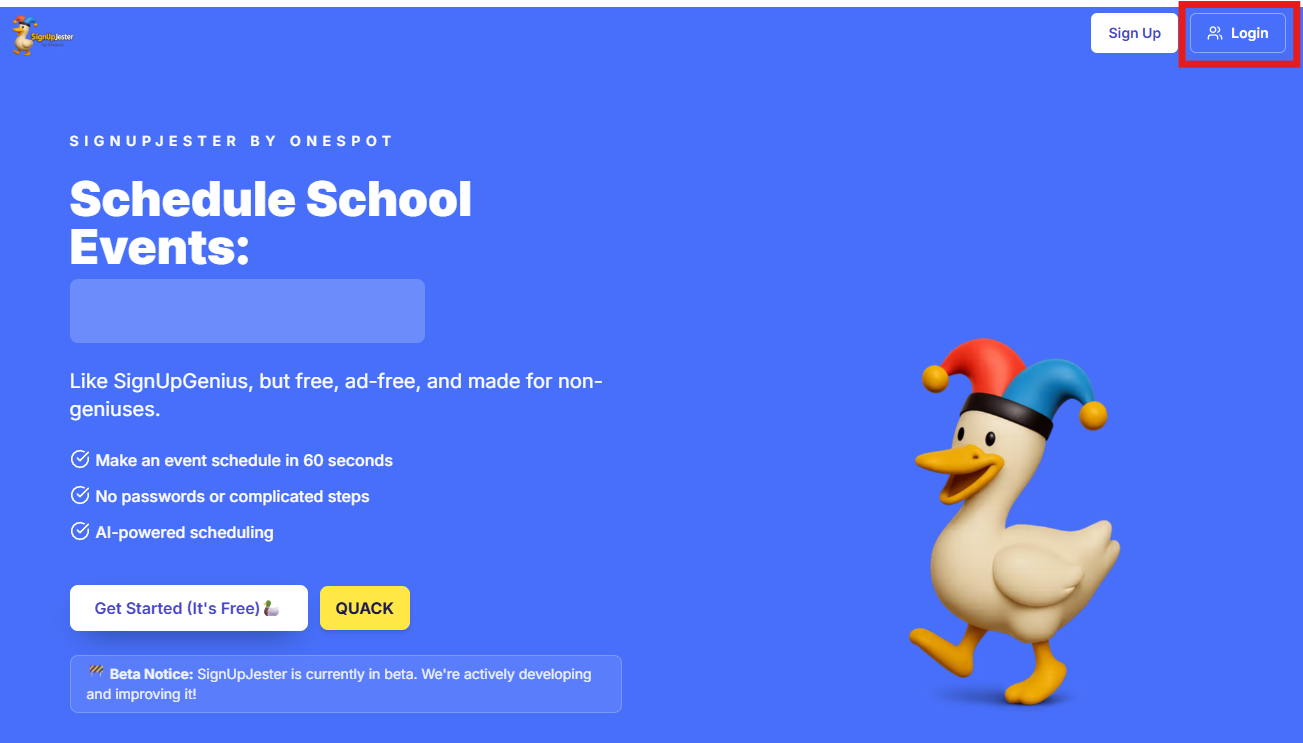
Step 1: Log in to SignUpJester
- Go to signupjester.com.
- Click Log In at the top right.
- Sign in using your magic code or password.
Step 2: Go to Events & Gatherings
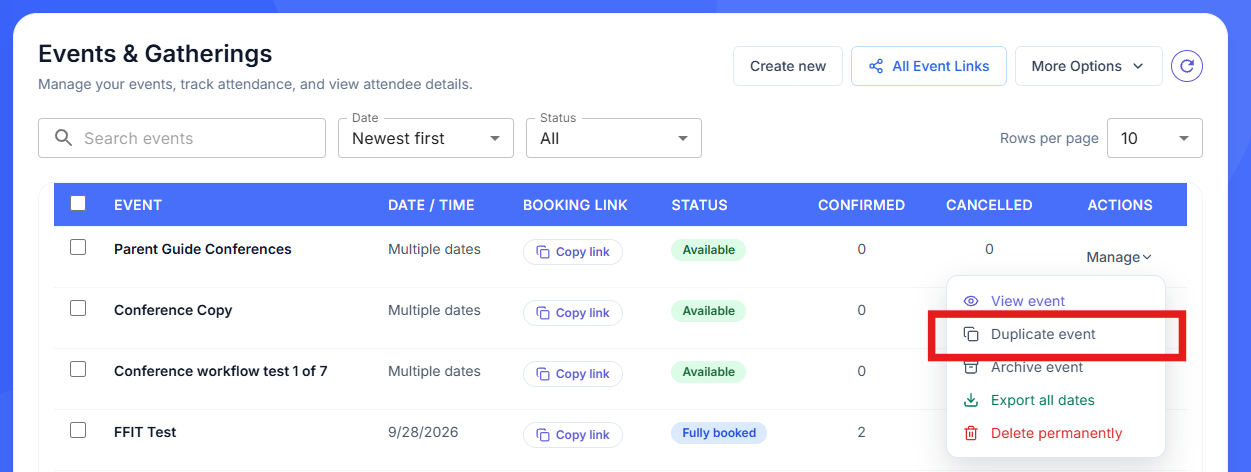
- Find the event name you want to duplicate.
- Under Actions, click Manage, then select Duplicate event.
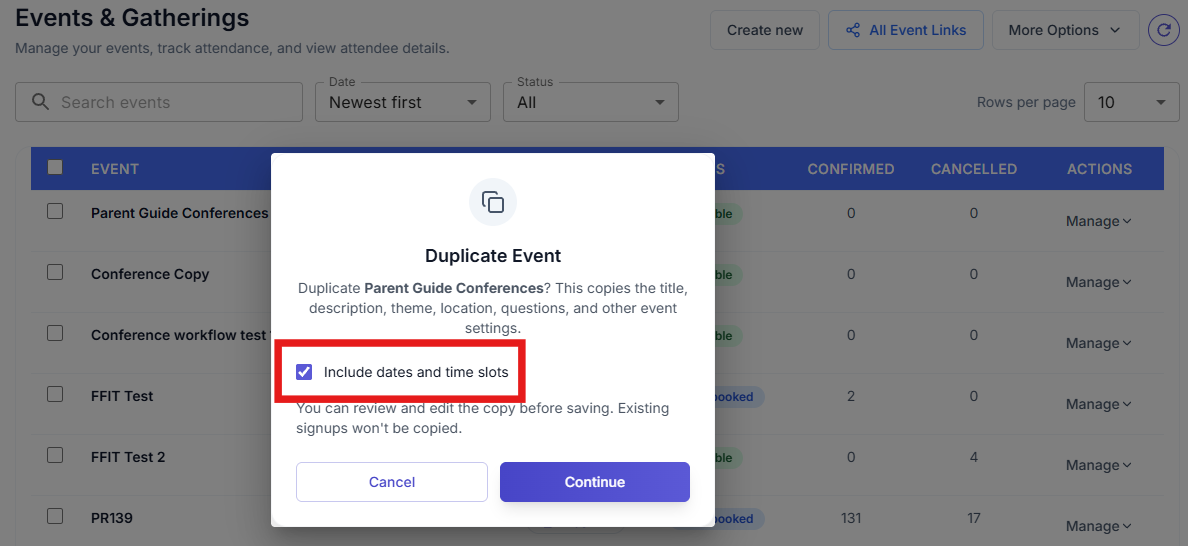
- In the Duplicate Event window, choose whether to include the original dates and time slots, then click Continue.
Step 3: Create Your New Event
- A new form opens with the original event details already filled in.
- If you chose Include dates and time slots, review the copied schedule and make any changes you need. Otherwise, add your new dates and times.
- You can also use AI to help update the event.
- When everything looks good, click Publish Event. You can also save it as a template for future events.
📌Existing signups are not copied.
🎉 Hooray! You’ve successfully duplicated a published event in SignUpJester, making event creation faster and easier.