
Creating Recurring Slots in SignUpJester
Need to set up repeating school tours, classroom observations, or parent meetings without re-entering details every time? Recurring slots make it simple!
Whether it's weekly classroom visits, monthly parent education nights, recurring tour schedules for prospective families, or regular observation slots, SignUpJester helps you create a consistent schedule. Families always see the right times in their local timezone.
👣 Step-by-Step Guide
Step 1: Log in to SignUpJester
- Go to signupjester.com.
- Click Log In at the top right.
- Log in using a magic code or password.
Step 2: Navigate to New Gathering
Choose how you’d like to create your event:
- 🤖 Using Onespot AI
- 📝 Skip AI and Create Manually
- 📚Use the AI Template Library or Your Saved Booking Forms
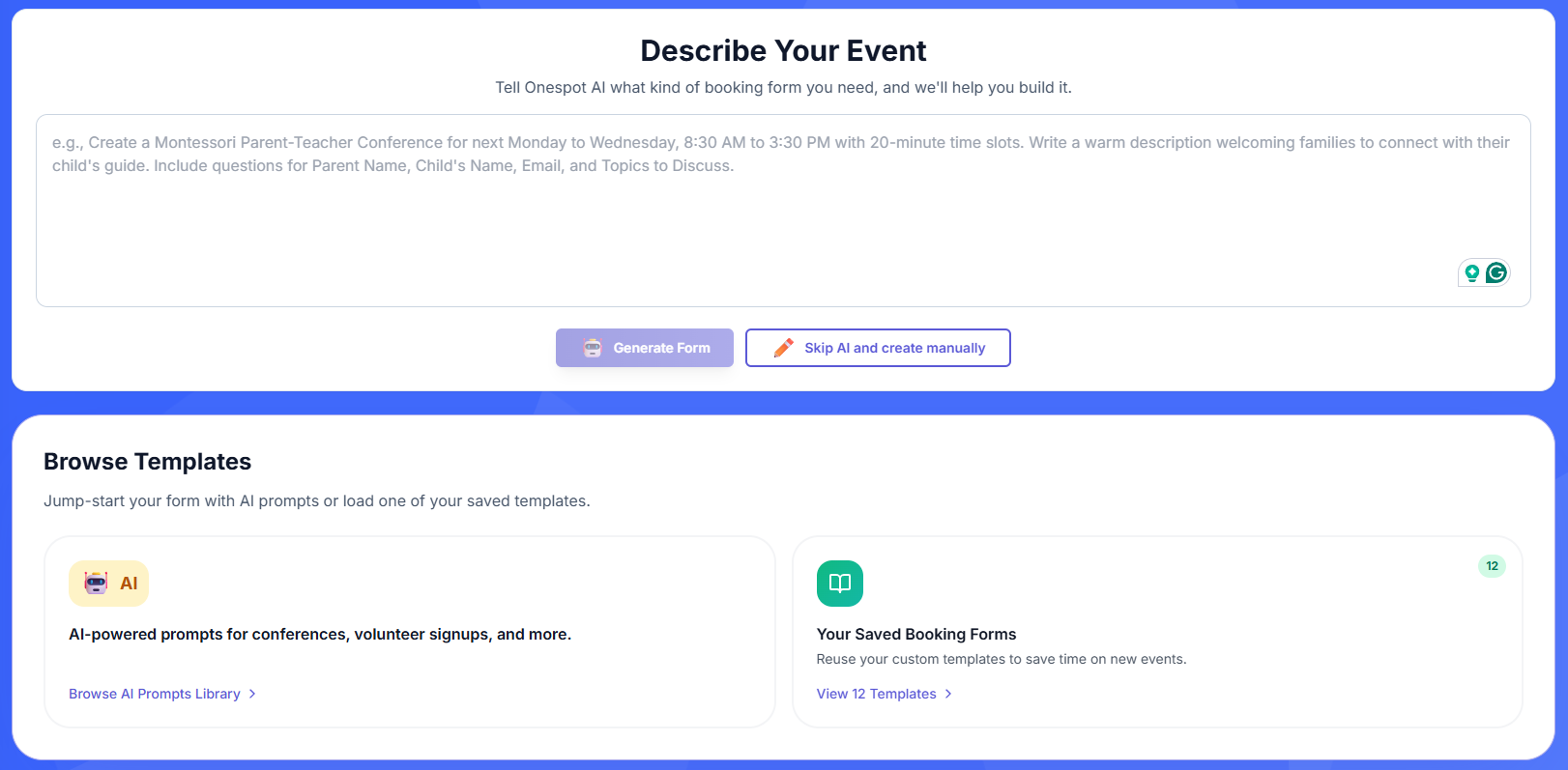
Step 3: Event Form Creator
Fill in your event details:
- Enter the Event Title and Description
- Choose from different themes
- Add the event location
⏰ Dates & Times
- Click Add Time‑Based Slots
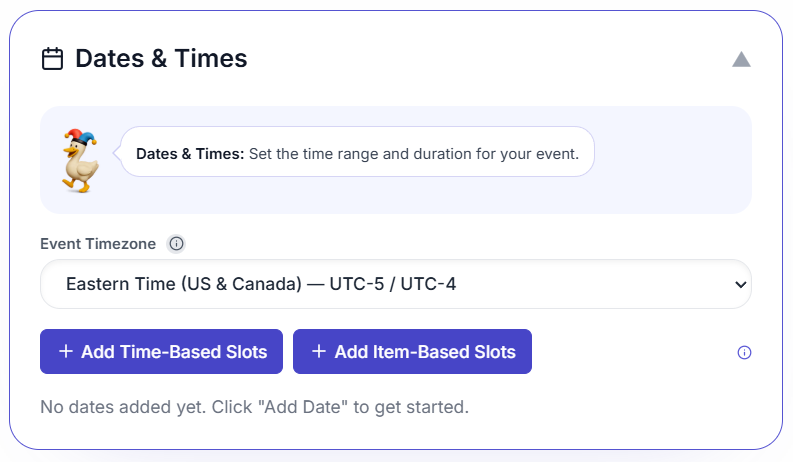
- Click Add Recurring Slots
- Select Repeating options:
- 🔁 Every week on selected days (e.g., Mon/Wed/Fri)
- 📅 Repeat every month on this date (e.g., the 14th of each month)
-
📆 Repeat every month on this weekday (e.g., the 2nd Tuesday each month)
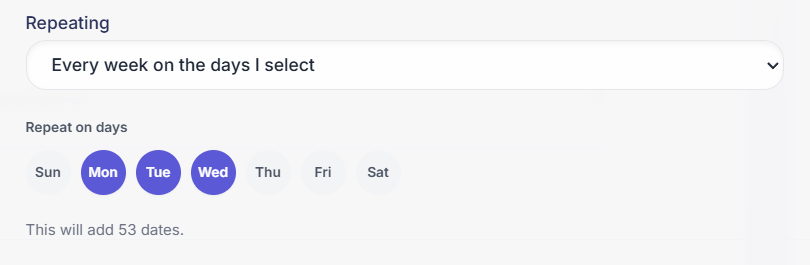
- Choose the First Date and
- Choose your End Repeat On (one of these is required to save):
- Select an End Repeat On date, or
- Check No end date
✏️Note: You must either pick an end date or check "No end date" to save. If left blank, the "Add Dates" button remains locked, and you'll see a red warning: Add an end repeat date or check No end date.
- Add Start time and End time
- (Optional) Set Slot duration and Attendee limit per time slot
- (Optional) Add Breaks & timing

- Click Add Dates
- Add Form Questions
🚀 Step 4: Preview and Publish Event
- Review your recurring slots setup
- Click Publish to make your event live
🎉 Hooray!
You’ve created your recurring slots event booking form. You can now view it anytime in the Events & Gatherings tab.