
How to Embed a Payment Link for Fundraisers in Our Newsletter
You can embed a payment link for your fundraiser directly in your newsletter. Here's how you can do it:
- Set up a self-checkout product.
- Add the product to the home screen.
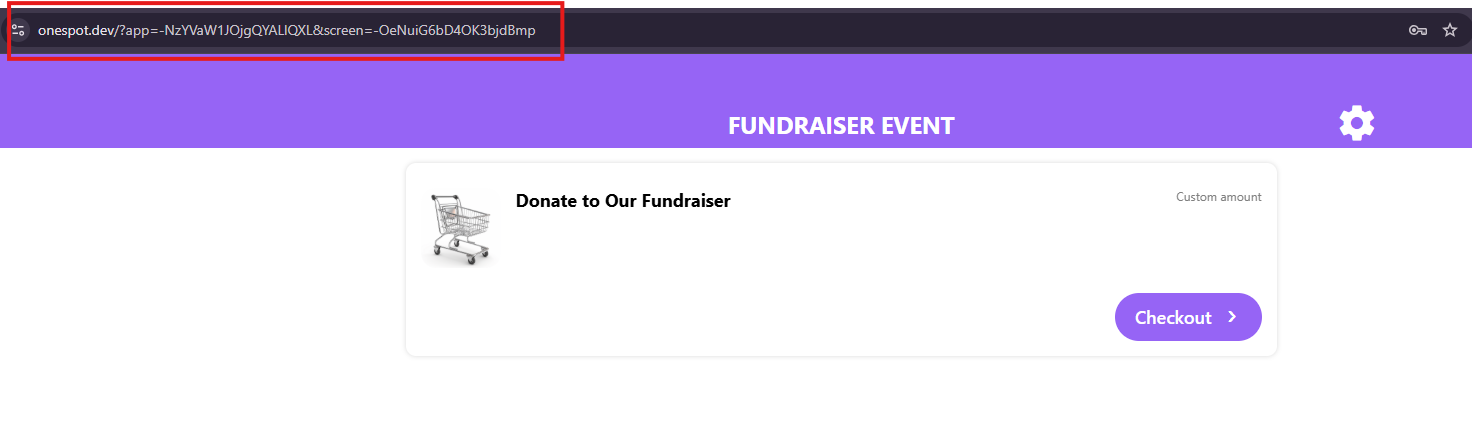
- Once you've added the product to the home screen, open it and copy the URL from the top of your browser.
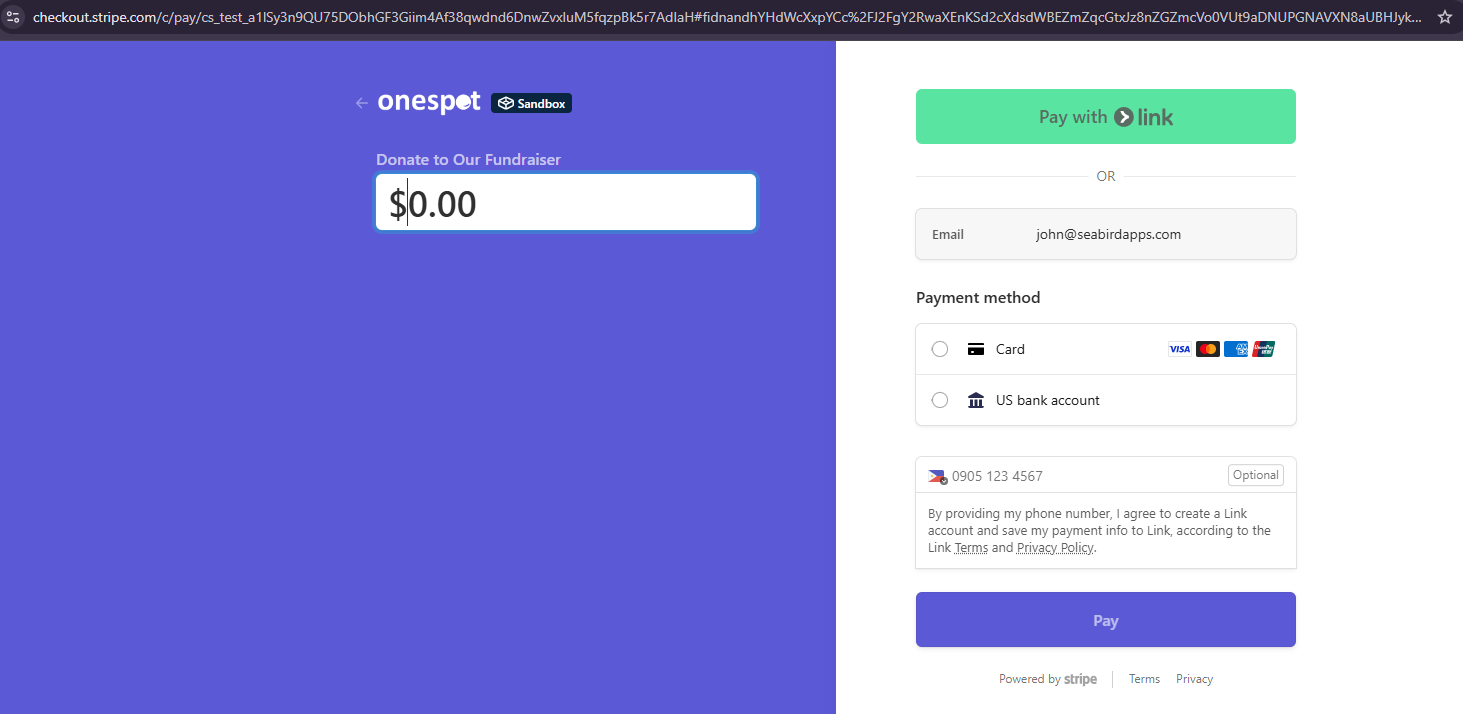
Sample:
- In your newsletter, add a text box field where you want the link to appear.
- Highlight the text you want to use for the link (e.g., "Donate to Our Fundraiser Here").
- Add a hyperlink and paste the URL you copied.
Now, when parents read the newsletter, they can click on the link and be taken to the checkout page to contribute to your fundraiser. Please note that payment processing fees still apply.