
How to Manage Event Reminders for Participants in SignUpJester
School days get busy, and a reminder can help families keep track of their appointments. Choose whether SignUpJester sends an email 24 hours before, 48 hours before, or at both times.
👣 Step‑by‑Step Guide
🖥️ Step 1: Log In
- Go to signupjester.com.
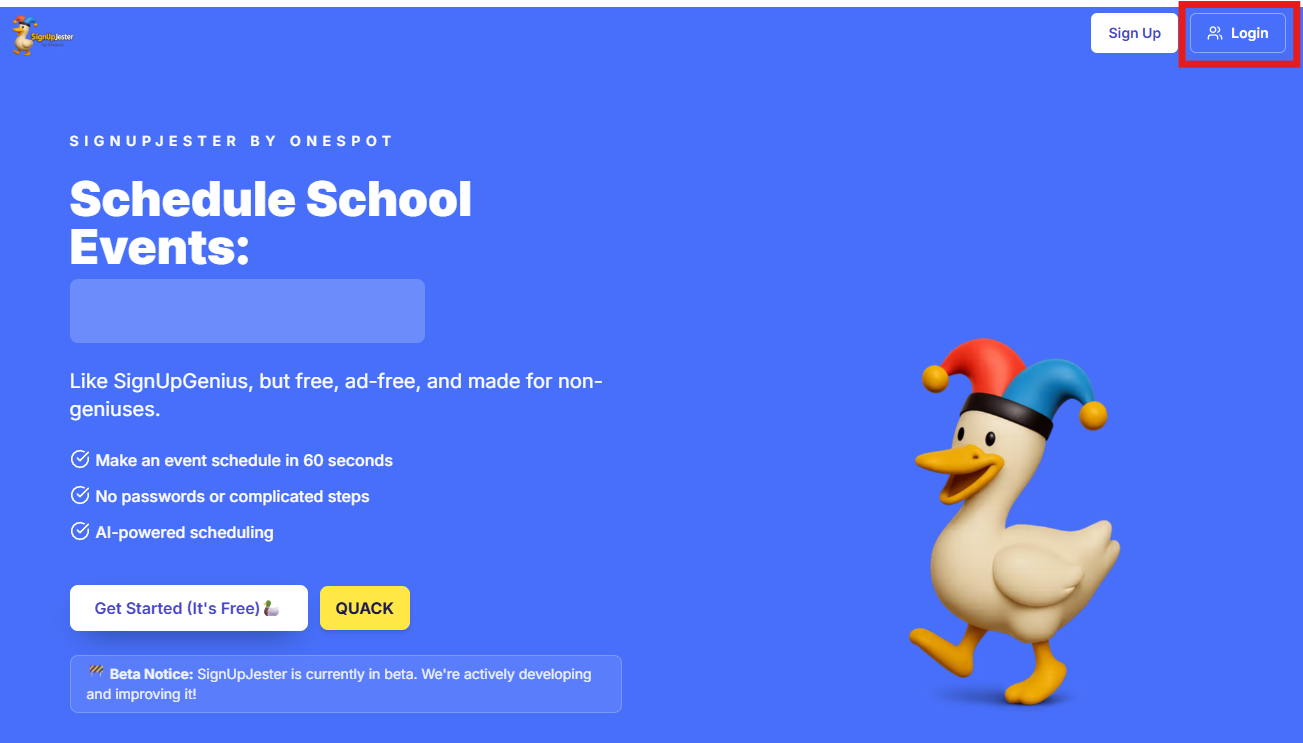
- Click Log In at the top right.
- Sign in using your magic code or password.
⚙️ Step 2: Open Preferences
- Navigate to the Preferences tab.
- Find Family reminder emails.
- Turn on 24 hours before, 48 hours before, or both.

💾 Step 3: Save
- Click Save to apply your changes
💡 Good to Know
- Reminders are scheduled for around 48 hours and/or 24 hours before an appointment, depending on the options you choose.
- If someone books about 26 hours ahead, their 24-hour reminder may arrive shortly after booking. If both options are on, SignUpJester skips the overlapping reminder instead of sending two at once.
- Reminders use the appointment’s configured time zone. If the appointment is rescheduled, future reminders follow the new date and time.