
Do Cash and Check Payments Sync to QuickBooks?
Yes! If you record cash or check payments in Onespot, they can flow into QuickBooks along with your card and ACH payments — as long as your QuickBooks integration is set up for it.
New to the integration? Start with QuickBooks Integration with Onespot for setup, then come back here.
How it works
When you mark a cash or check invoice as paid in Onespot, it's recorded as a paid invoice (marked as paid outside of Stripe, since no money moved through Stripe). Whether it appears in QuickBooks depends on one setting in your QuickBooks integration.
The setting to check
In your QuickBooks integration settings (Onespot Payments → QuickBooks integration), look for this question:
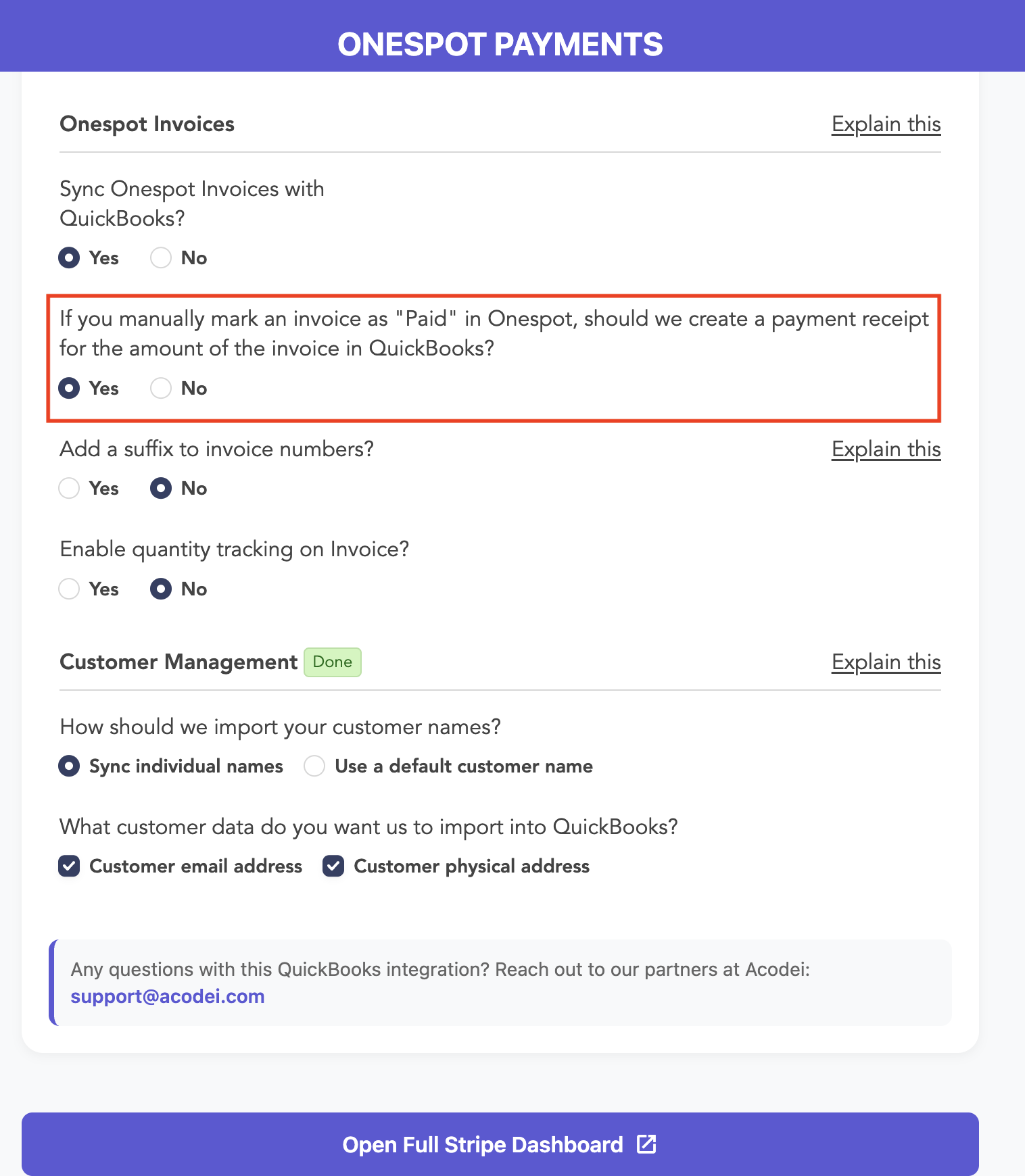
"If you manually mark an invoice as 'Paid' in Onespot, should we create a payment receipt for the amount of the invoice in QuickBooks?"
- Yes — Acodei creates a payment receipt in QuickBooks for the amount of the invoice. Note that this receipt is not traced to a Stripe charge, since the payment (cash or check) was collected outside of Stripe.
- No — No payment receipt is created, and you'll need to record the payment in QuickBooks manually.
Make sure "Sync Onespot Invoices with QuickBooks?" is also set to Yes — the question above only appears when invoice sync is turned on.
Questions about your QuickBooks integration? Reach out to our partners at Acodei